
Open-source tools for Microsoft 365
SharePoint Smart Solutions
Copy content, audit access, plan projects, connect people, build forms, and understand your data and storage.
Seven SPFx web parts run inside your tenant. Smart Copy runs on Windows and copies within one tenant or between tenants. No subscriptions.
The collection
Find your SharePoint solution
Quick answer
What is SharePoint Smart Solutions?
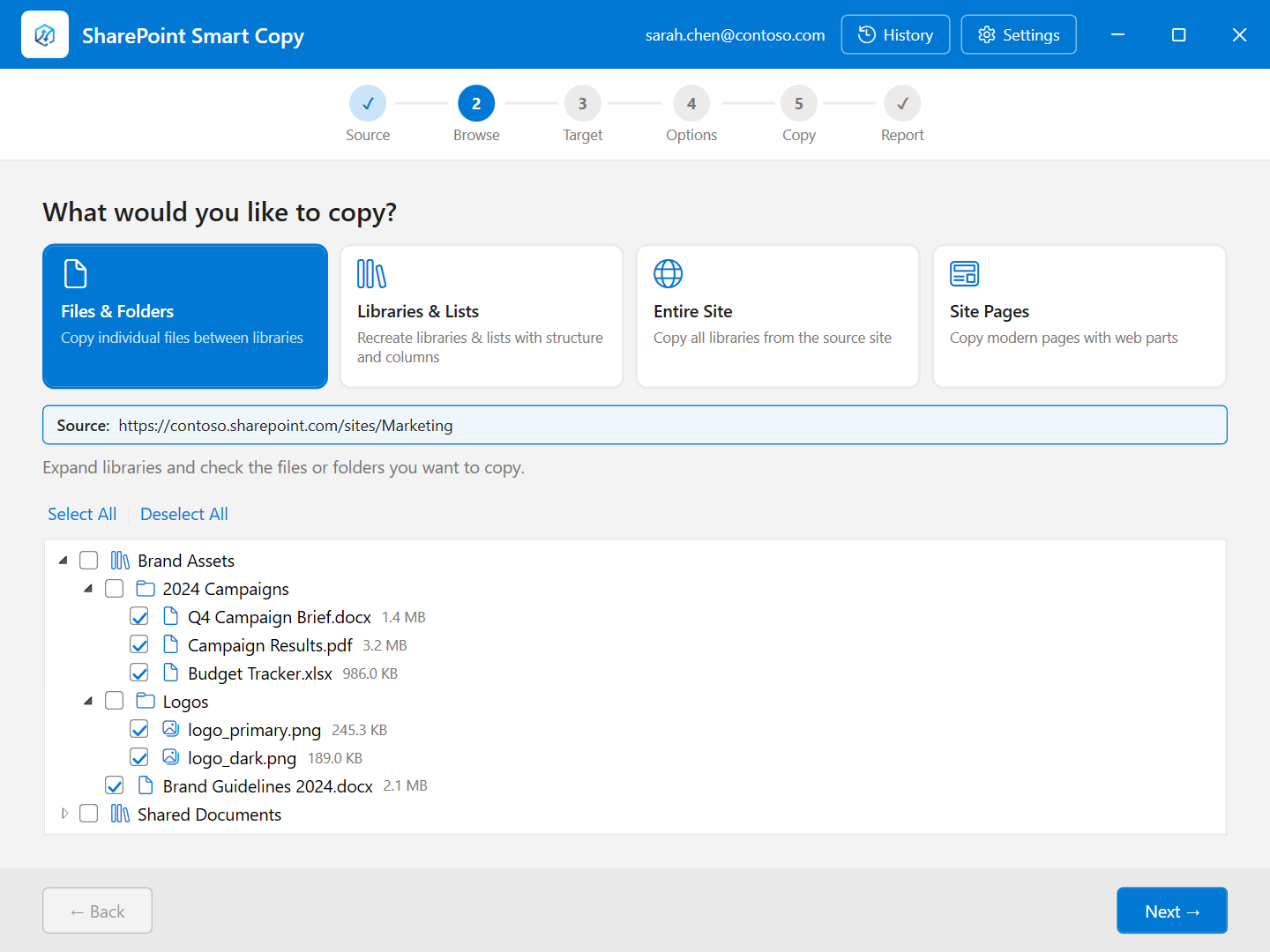
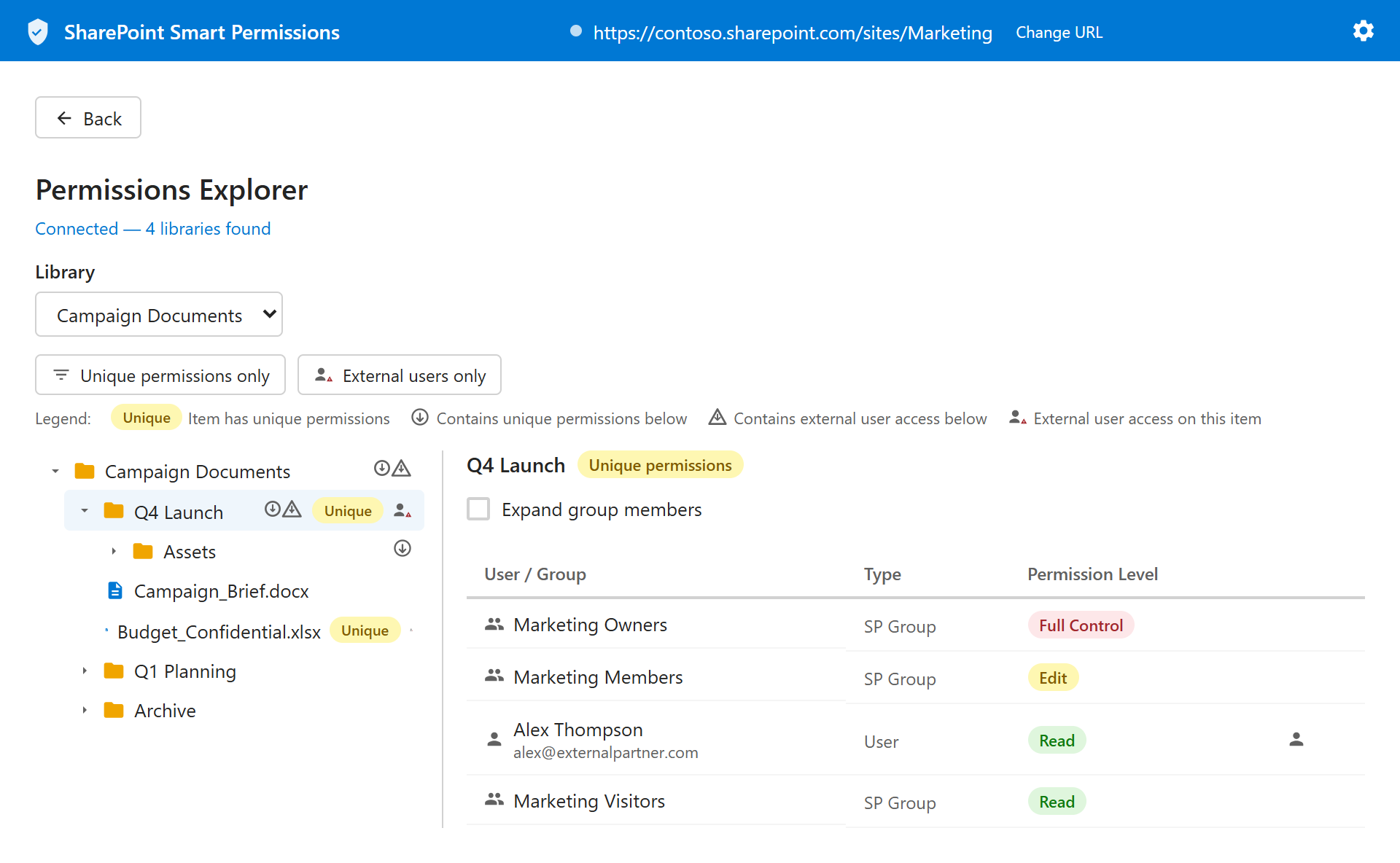
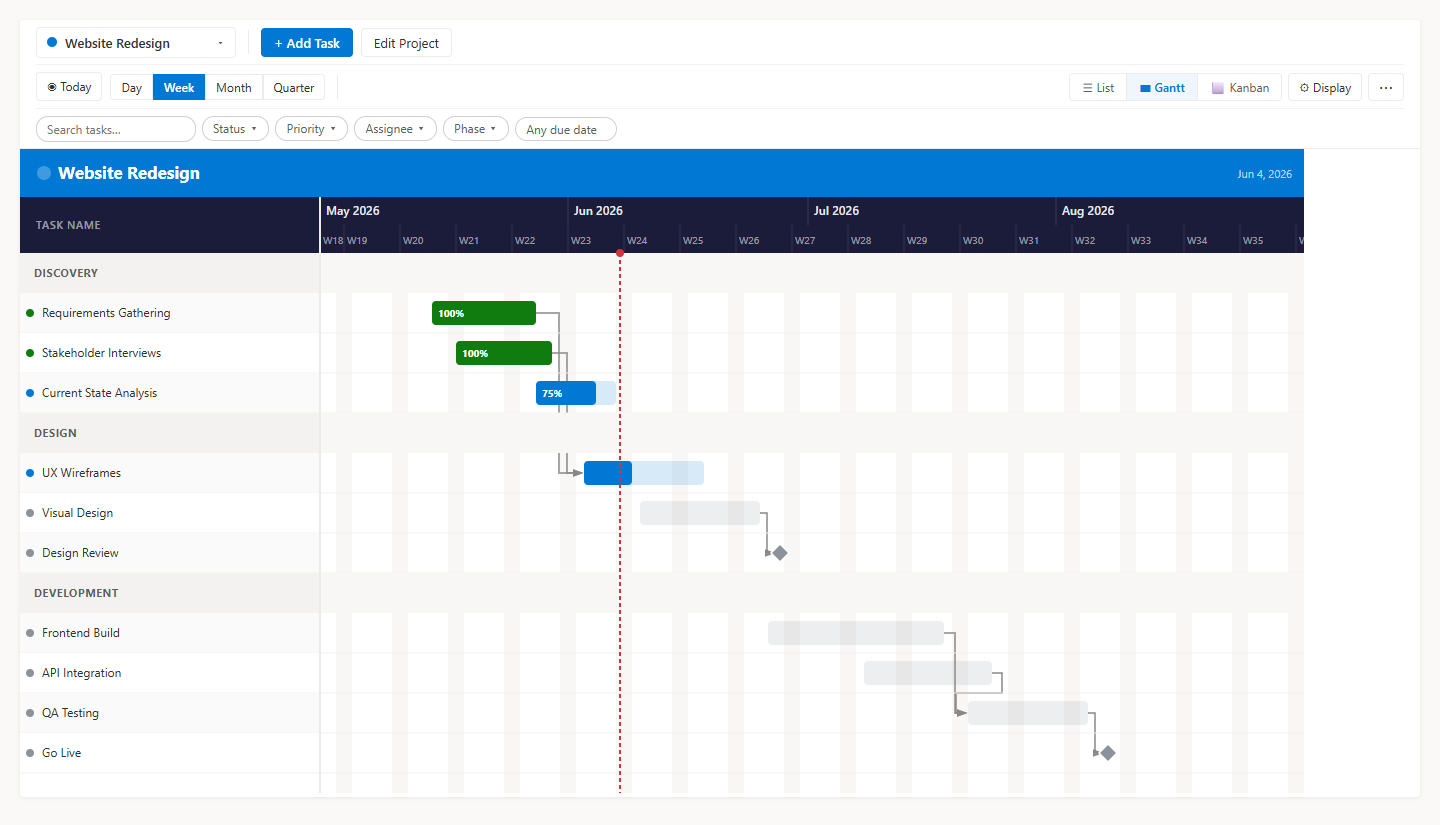
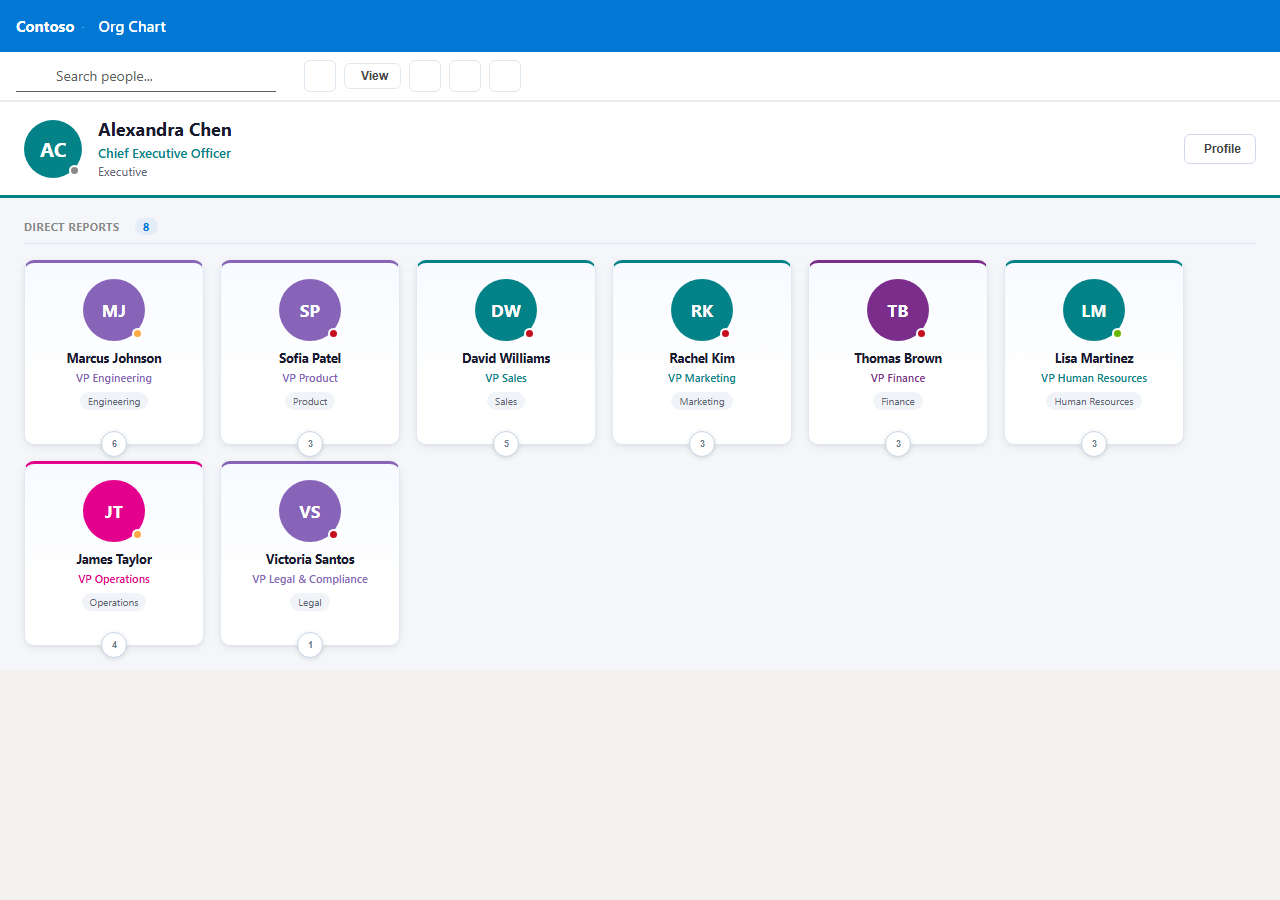
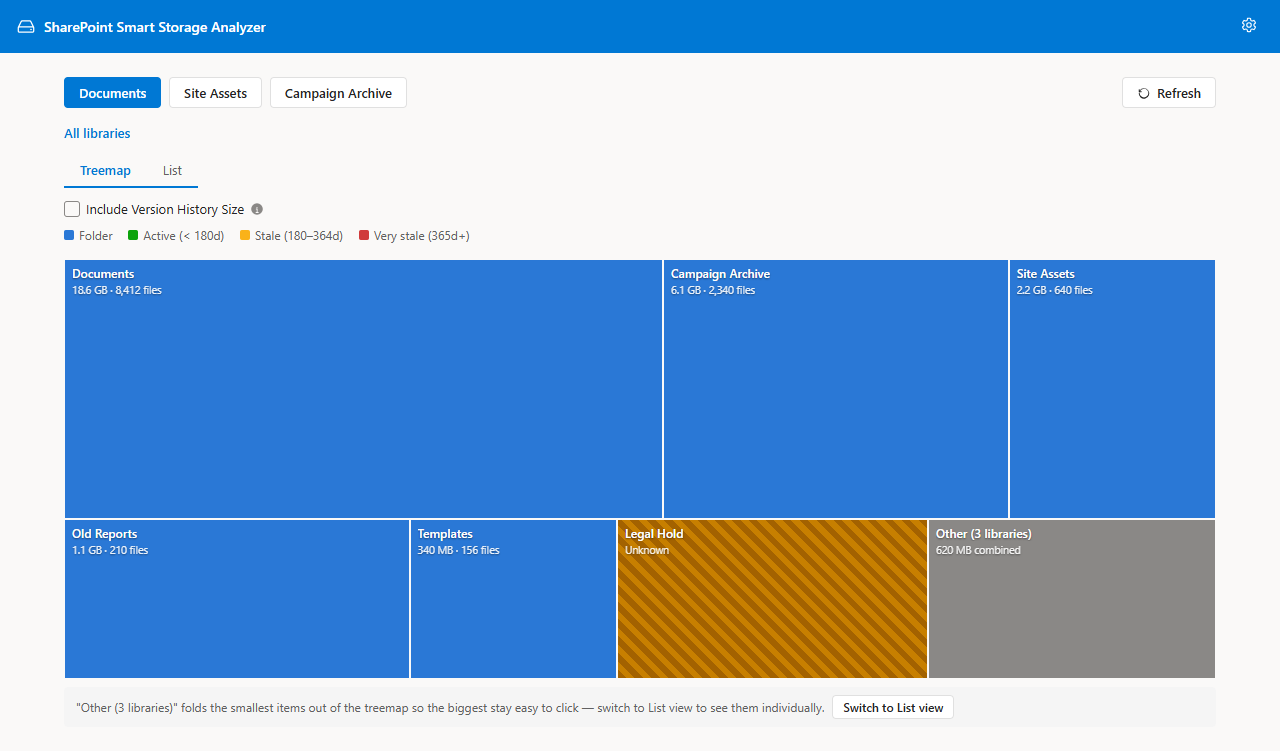
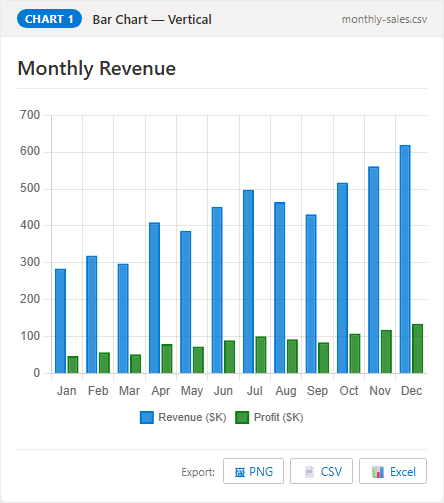
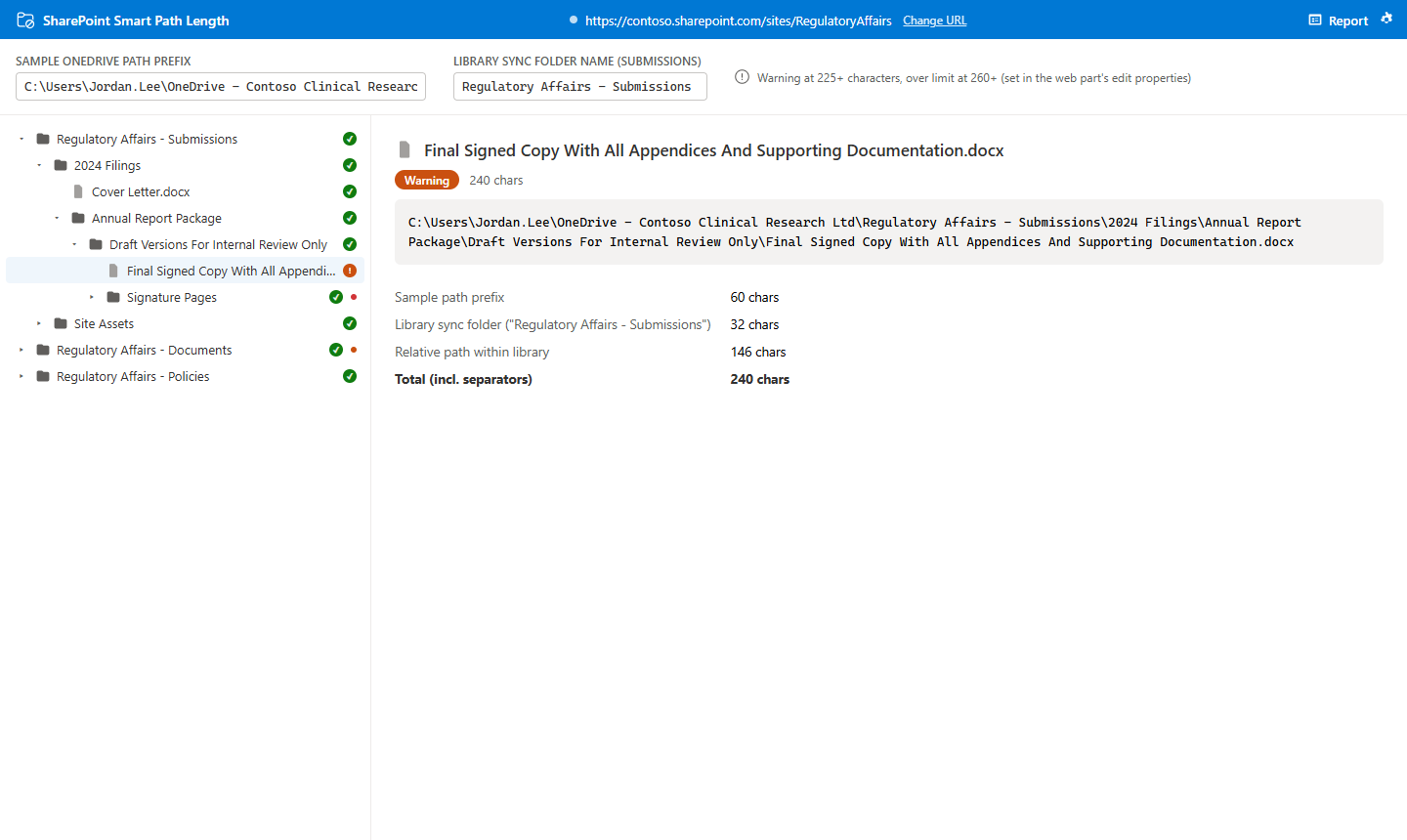
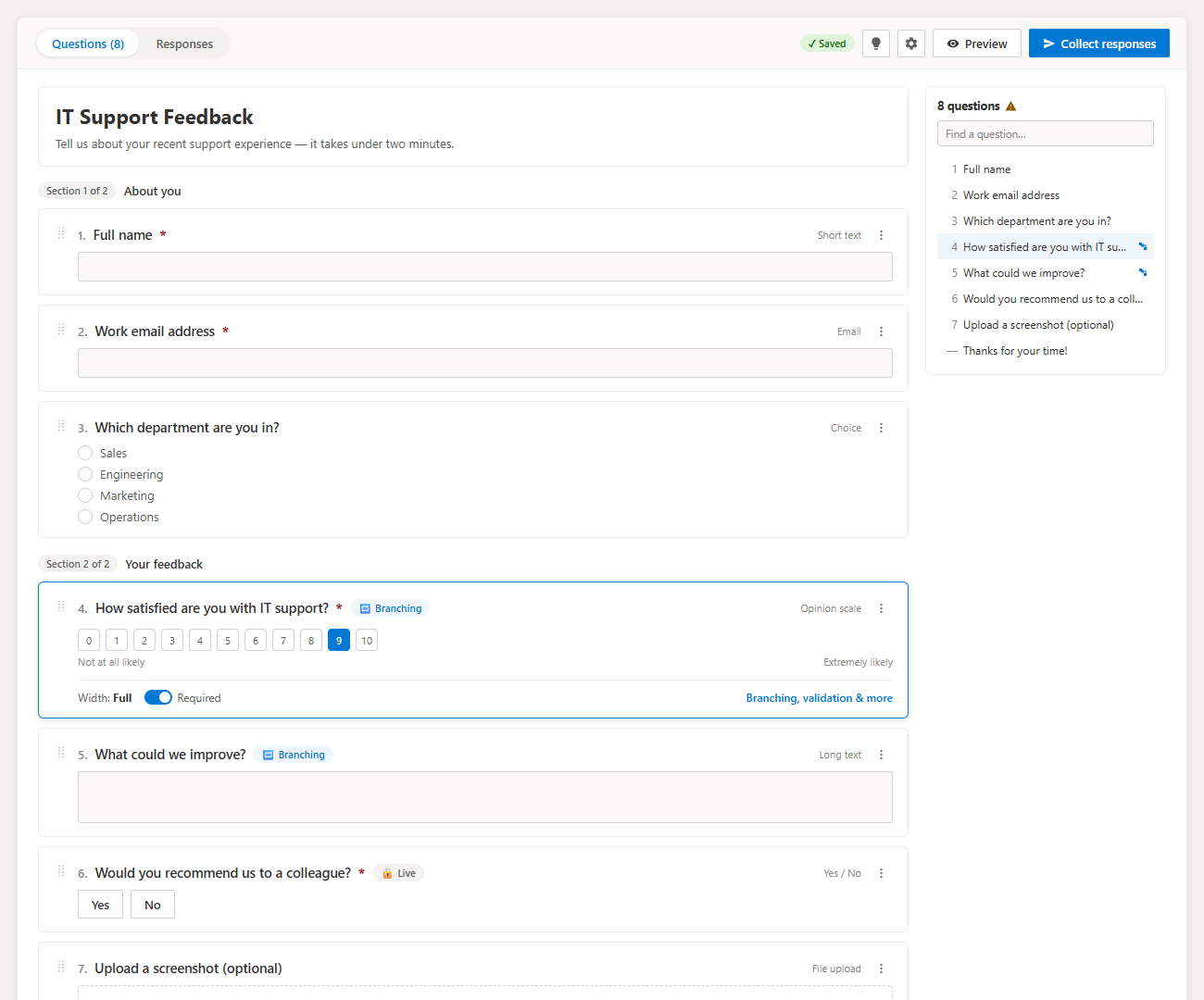
SharePoint Smart Solutions is a free, open-source suite of Microsoft 365 tools for SharePoint Online admins: Smart Copy (migration), Smart Permissions (access audits), Smart Gantt Chart (project management), Smart Org Chart (directory & org chart), Smart Storage Analyzer (storage, version-history size & stale-file reports), Smart Charts (17-chart web part), and Smart Path Length (OneDrive sync fixes), and Smart Forms (SharePoint list forms). Every product supports a 30-language interface. Seven tools are SPFx web parts, while Smart Copy is a Windows desktop app — all MIT licensed, no subscriptions, no data leaves Microsoft 365. Smart Storage Analyzer is the only free tool that reports per-file SharePoint version-history size, so you can see exactly how much storage old versions consume.
Popular free SharePoint tools
- SharePoint org chart web partLive from Entra ID, 30 languages
- SharePoint permissions reportWho has access to what, Excel export
- SharePoint Gantt chartDependencies, Kanban, PowerPoint export
- Copy SharePoint files with version historyWindows app, same tenant or cross-tenant, 30 languages
See all free SharePoint tools or compare them with ShareGate, Plumsail, AvePoint and others.
Why these tools
Small tools, sharp focus
We make tools we use ourselves on client engagements, and open-source them so the rest of the SharePoint community gets the same leverage.
Built for real admin work
Each tool comes from a real problem we have run into on client engagements — not a feature list dreamed up in a roadmap meeting.
Open source, inspectable
Every product ships under MIT on GitHub. Audit the code, fork it, or contribute fixes — no black boxes touching your tenant.
Free, no subscriptions
No license keys, no per-seat pricing, no telemetry. Download the executable and run it.
Your tenant, your tokens
Delegated Microsoft Graph auth. Credentials never leave your machine, and nothing is cached to disk.
From the blog
Guides for SharePoint admins
Practical walkthroughs on migration, permissions, and free open-source tooling.
Nov 5, 2026 · 8 min
How to audit "Everyone except external users" in SharePoint before Microsoft 365 Copilot
Copilot answers from whatever a person can already open. Here's how to find content shared with "Everyone except external users" before it shows up in someone's chat.
Read postNov 4, 2026 · 8 minSharePoint Error Messages Explained: What They Mean and How to Fix Them
Ten SharePoint errors that send people to the help desk, what each one really means, and the quickest way to fix it.
Read postNov 4, 2026 · 7 minInfoPath Forms Are Retired in SharePoint Online: How to Replace Them
Microsoft set the end of InfoPath Forms Services in SharePoint Online for July 14, 2026, with no migration tool. Here is a practical way to inventory your forms and replace them.
Read postNeed Help?
Get Expert SharePoint Help
The tools are free — but sometimes you need more than a tool. Whether you're tackling a high-stakes migration, building out your intranet from scratch, or just need someone to roll up their sleeves and get it done right, we offer hands-on professional services:
Dedicated Tool Support
Setup from $500, plus monthly advisory plans at $199 or $499 with hands-on hours each month.
SharePoint Consulting
AI enablement, intranet design, permissions audits, integrations, Power Automate workflows, and M365 platform strategy.
Migration Services
Full-service file and metadata migrations across site collections, tenants, or on-prem to SharePoint Online.